
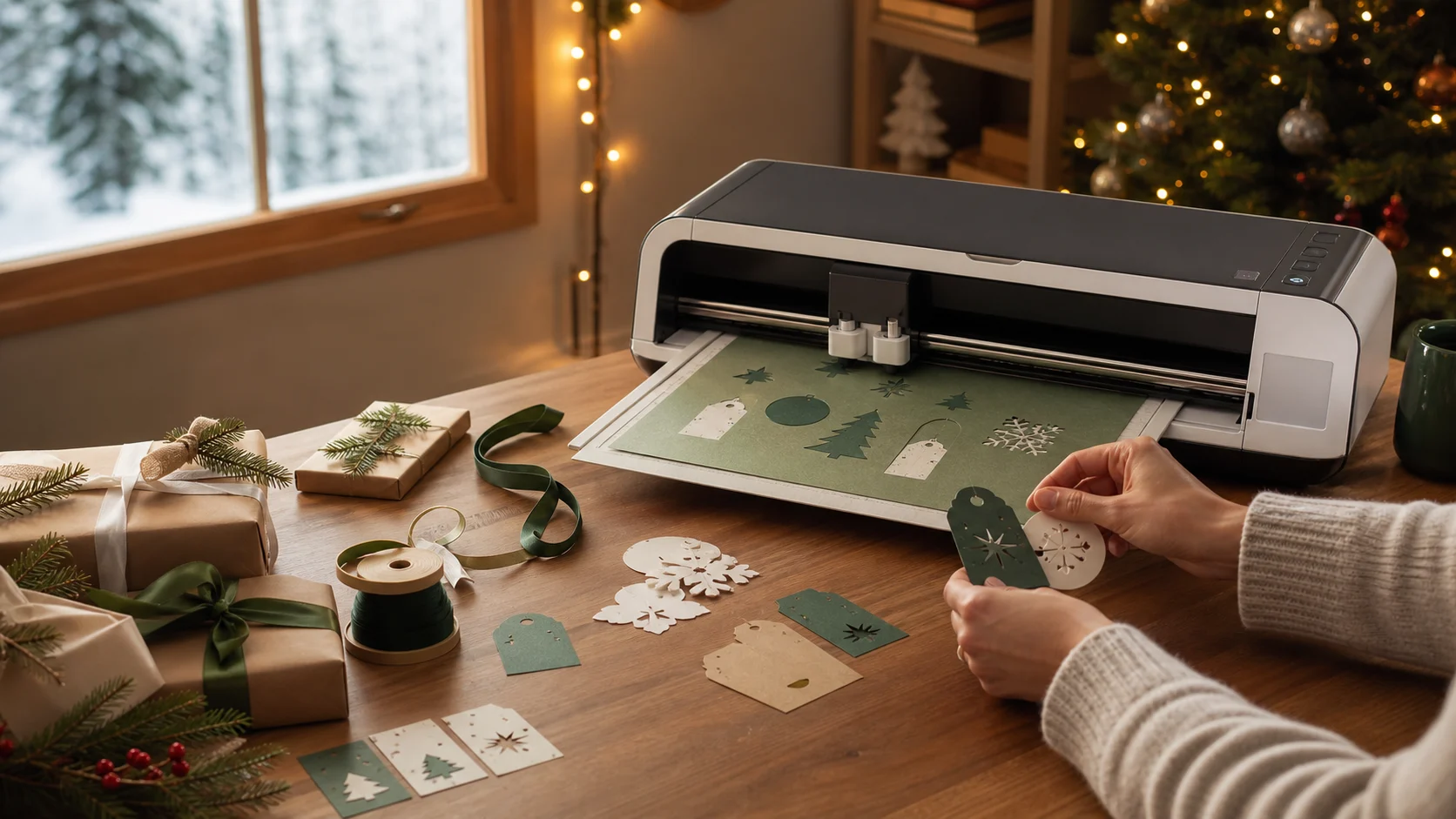
Why it's a great gift
This is the machine crafters trade up to. Out of the box it handles cards, decals and iron-on; its adaptive tool slot then unlocks quilting fabric, engraving and thicker materials as skills grow. Reviewers found setup quick and the cuts precise.
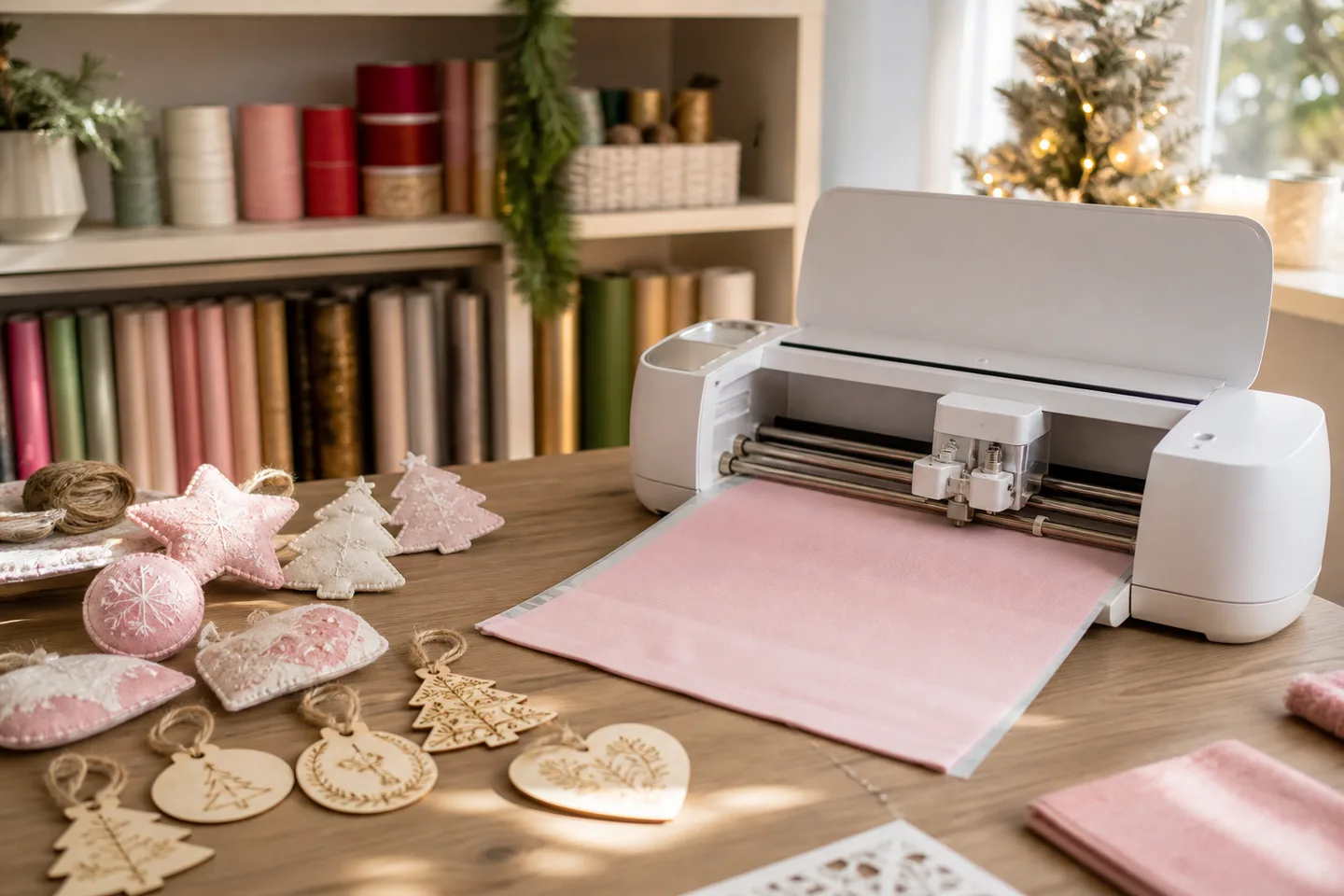
Is this the right gift?
- Great for: quilters and sewists still cutting fabric by hand.
- Great for: crafters eyeing engraving, leather or thicker stock.
- Great for: upgraders who've maxed out a smaller cutter.
- Skip if: they only want cards and decals — a cheaper Explore does that.
The verdict
Big range, real running costs
Give it to the maker who'll chase its range. Specialty blades are sold separately and Design Space software is mandatory — but no other Cricut leaves more room to grow.
Why it works
- ✓ Widest material and tool range in the lineup
- ✓ Fine-point blade, mat and pen included for day one
- ✓ Fast, precise cutting in independent reviews
Tradeoffs
- × Specialty tools and consumables add up after the box
- × Needs a supported computer or phone — no Chromebook or Linux
As an Amazon Associate, XmasGoat earns from qualifying purchases. Choose Canada or the United States for local pricing.
Before you buy
- Confirm Cricut item 2011084 — the standard Seashell machine, not a retailer bundle or exclusive colour.
- Closed, it measures about 22 by 7 inches and 15 lb, and needs clearance front and back while cutting.
- Print Then Cut stickers require a separate compatible inkjet printer.
Worth knowing
Does it need a subscription?
A free account and the Design Space app, yes — paid Access, no. That's only the optional design library.
How thick can it cut?
Cricut rates it to 2.4 mm on qualified materials — but only with the matching tool and setting, not any thick sheet.
Is it faster than the last Maker?
Cricut claims up to twice the mat-cutting speed. Loading, weeding and assembly still take the same human time.
As an Amazon Associate, XmasGoat earns from qualifying purchases. Verify the item number and colour before checkout. Choose Canada or the United States for local pricing.
Sources
- Cricut Canada: Cricut Maker 4, item 2011084 — Official Canadian model, tools, materials, speed, dimensions and package; checked August 5, 2026.
- Cricut Help Centre: Cricut Maker 4 quick-start guide — Official setup, connection and first-project guidance.
- Cricut Help Centre: Design Space system requirements — Current supported operating systems, internet and offline limitations.
- Creative Bloq: Cricut Maker 4 review — Independent setup, precision, speed and starter-kit observations.
- TechRadar: Cricut Maker 4 review — Independent precision, workflow and ecosystem-cost corroboration.